
- New
Job
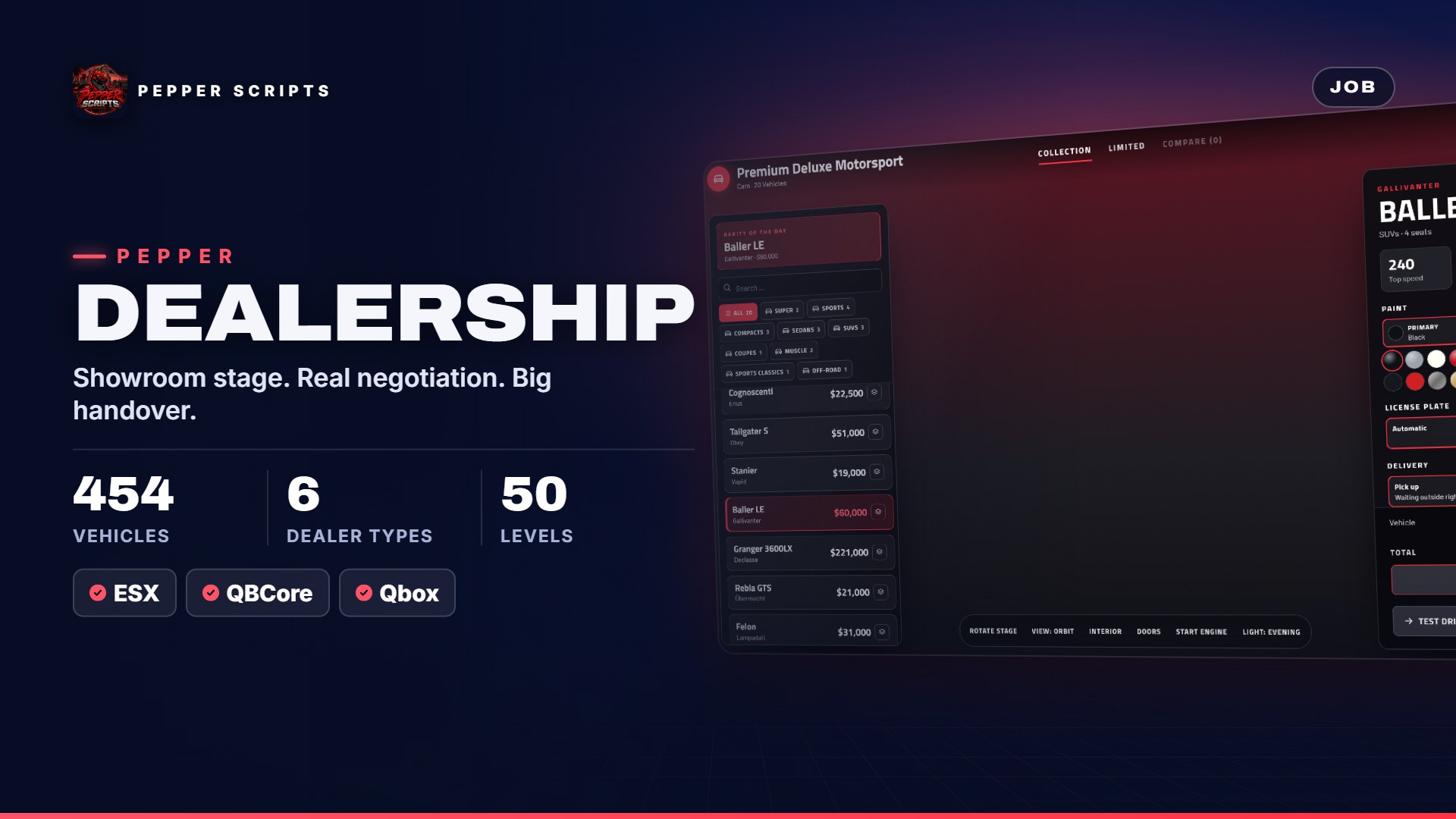
Pepper Dealership
Dealerships for every vehicle type – 3D showroom, test drives, financing, trade-ins, used cars and player dealerships with stock, commission and levels 1–50 for ESX, QBCore and Qbox.
- ESX
- QBCore
- Qbox
€14.99
Jobs, leisure and tools for ESX, QBCore and Qbox – with real gameplay loops, level systems and docs in German and English.
Dealerships for every vehicle type – 3D showroom, test drives, financing, trade-ins, used cars and player dealerships with stock, commission and levels 1–50 for ESX, QBCore and Qbox.
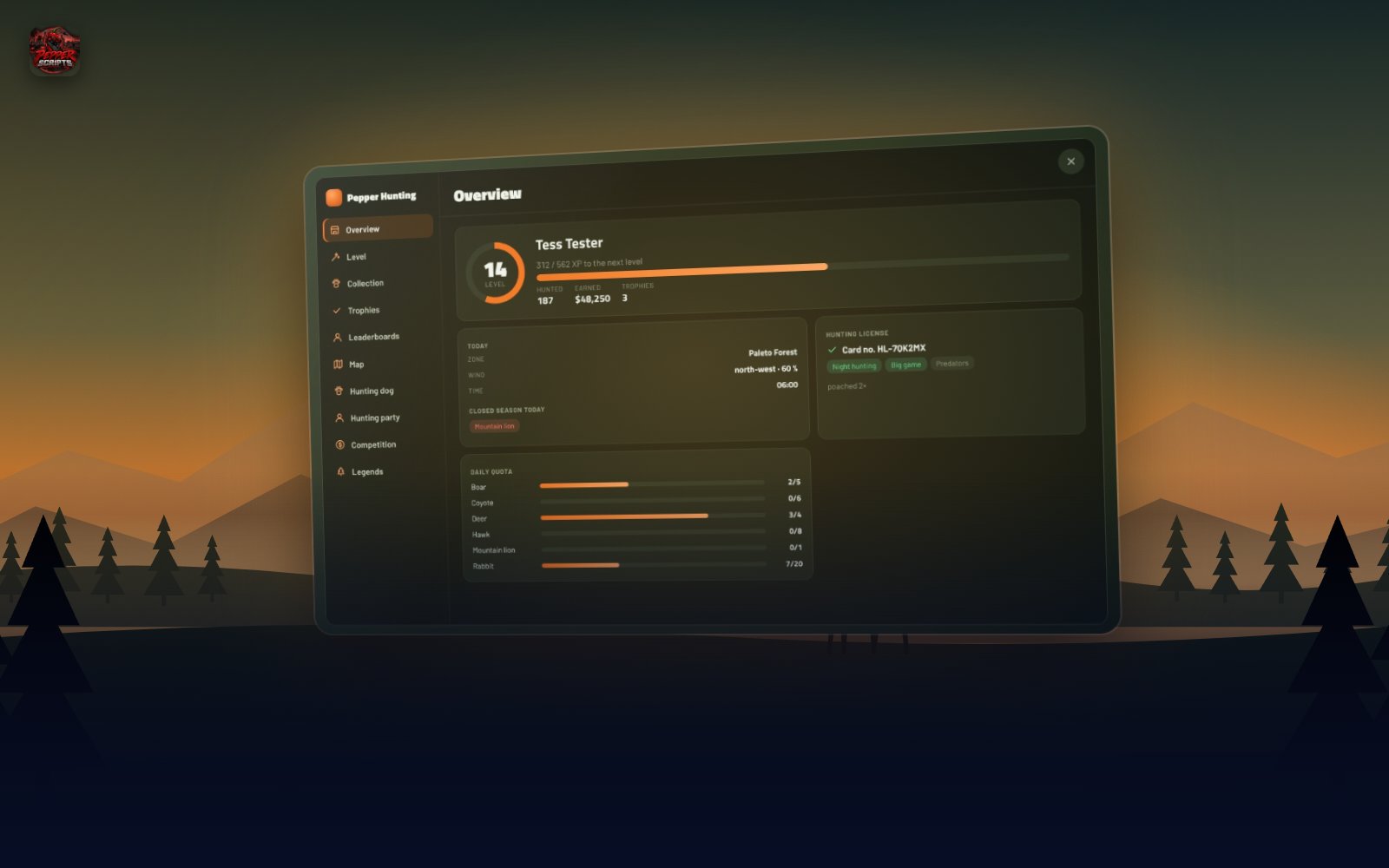
Hunting for every player – living wildlife, stalking with wind and tracks, license and poaching, levels 1–50, tablet, hunting dog and legendary animals for ESX, QBCore and Qbox.
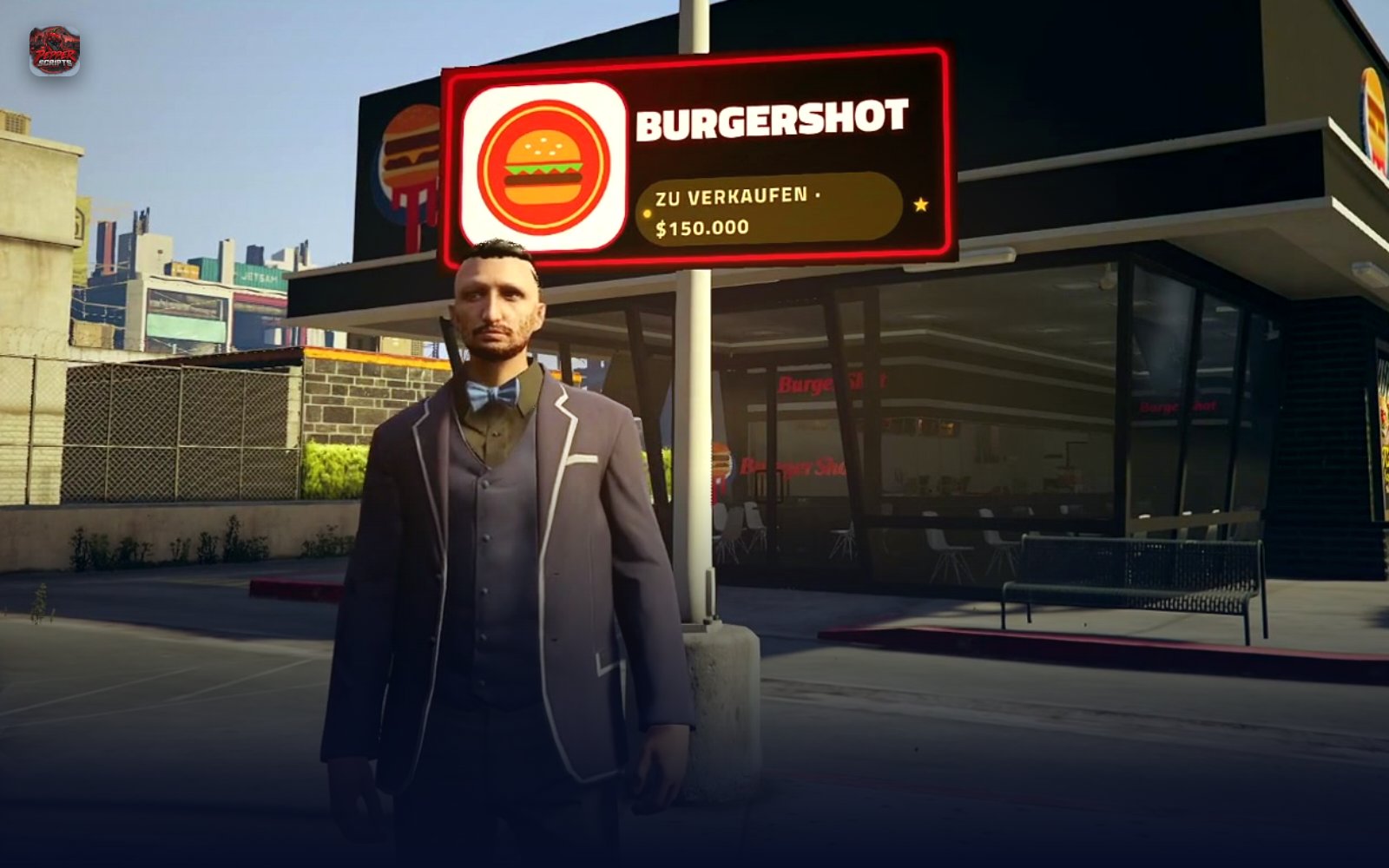
Build any restaurant right in game – cook with 6 minigames, boss tablet, levels 1–50 and your own delivery app. ESX, QBCore, Qbox.
From the backyard to world champion. A boxing and fight career with its own combat system, a 12-chapter story, an underground and a PvP arena for ESX, QBCore and Qbox.
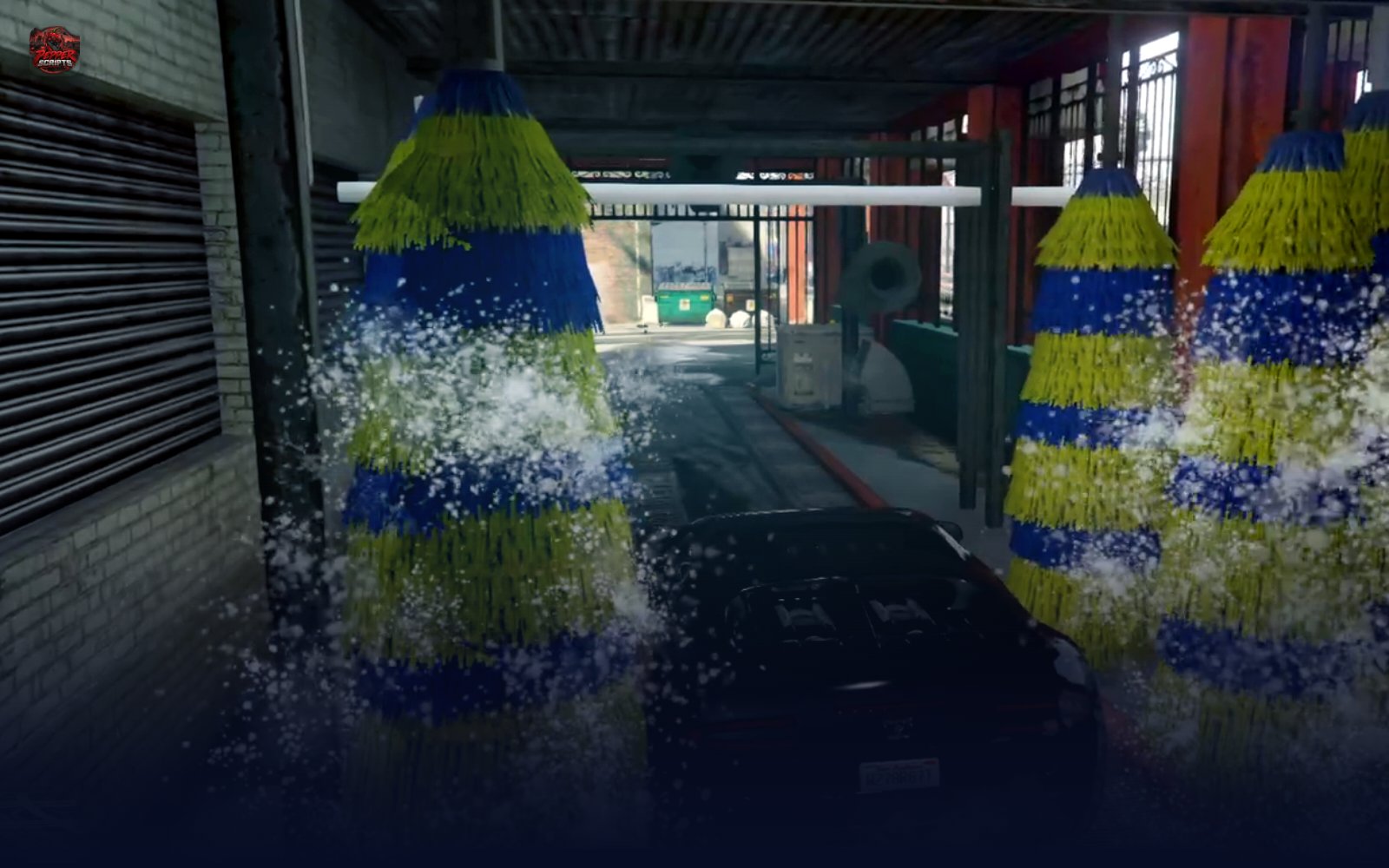
Build it. Own it. Run it. Car washes built from stock GTA props with an ownable business, staff, NPC customers and levels 1–100 for ESX, QBCore and Qbox.
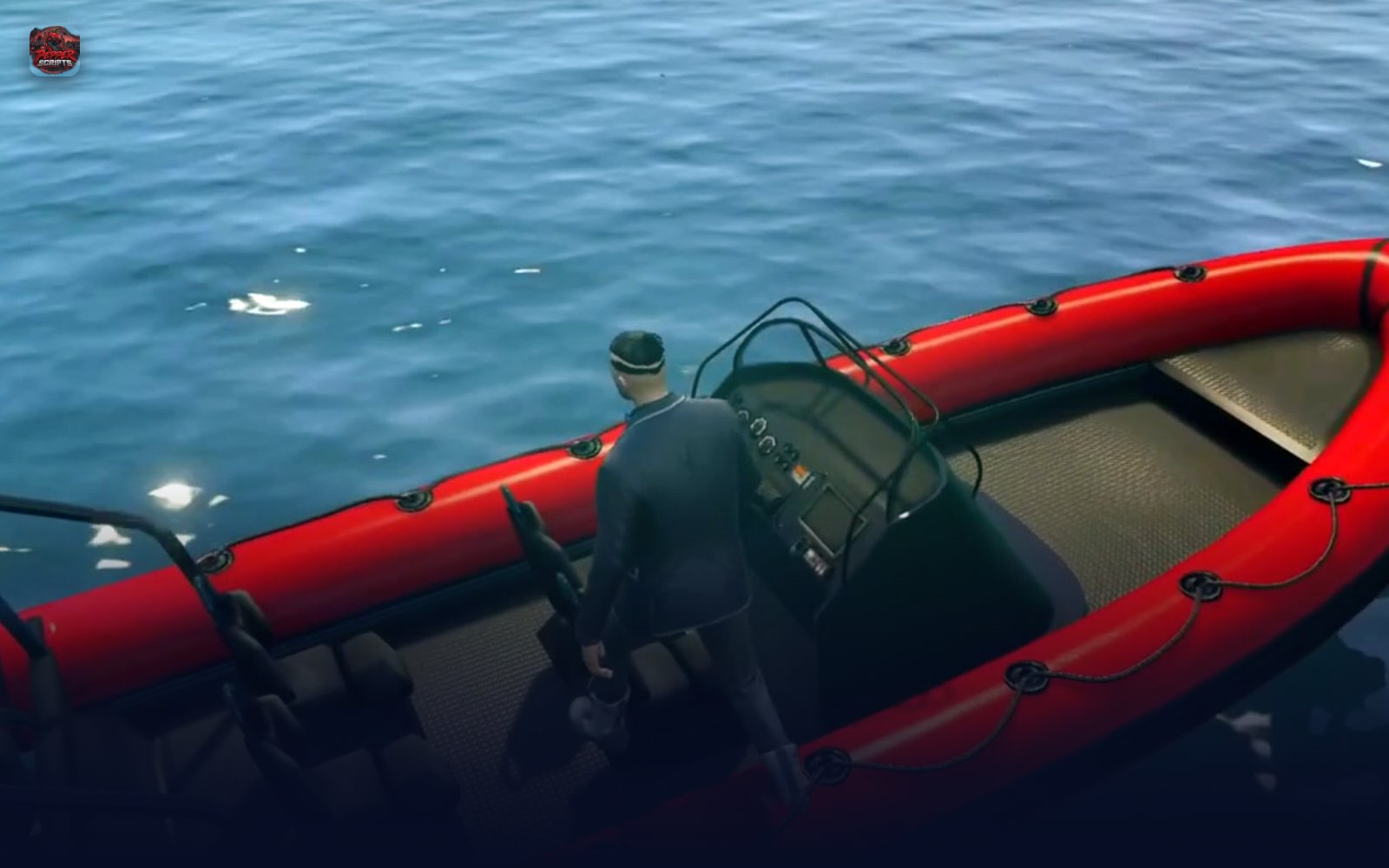
Cast, strike, fight – then the catch card shows what was on the hook. Fishing with 83 species, 12 boss fish and levels 1–100 for ESX, QBCore and Qbox.
Cast, strike, fight – then the catch card shows what was on the hook. Fishing with 83 species, 12 boss fish and levels 1–100 for ESX, QBCore and Qbox.
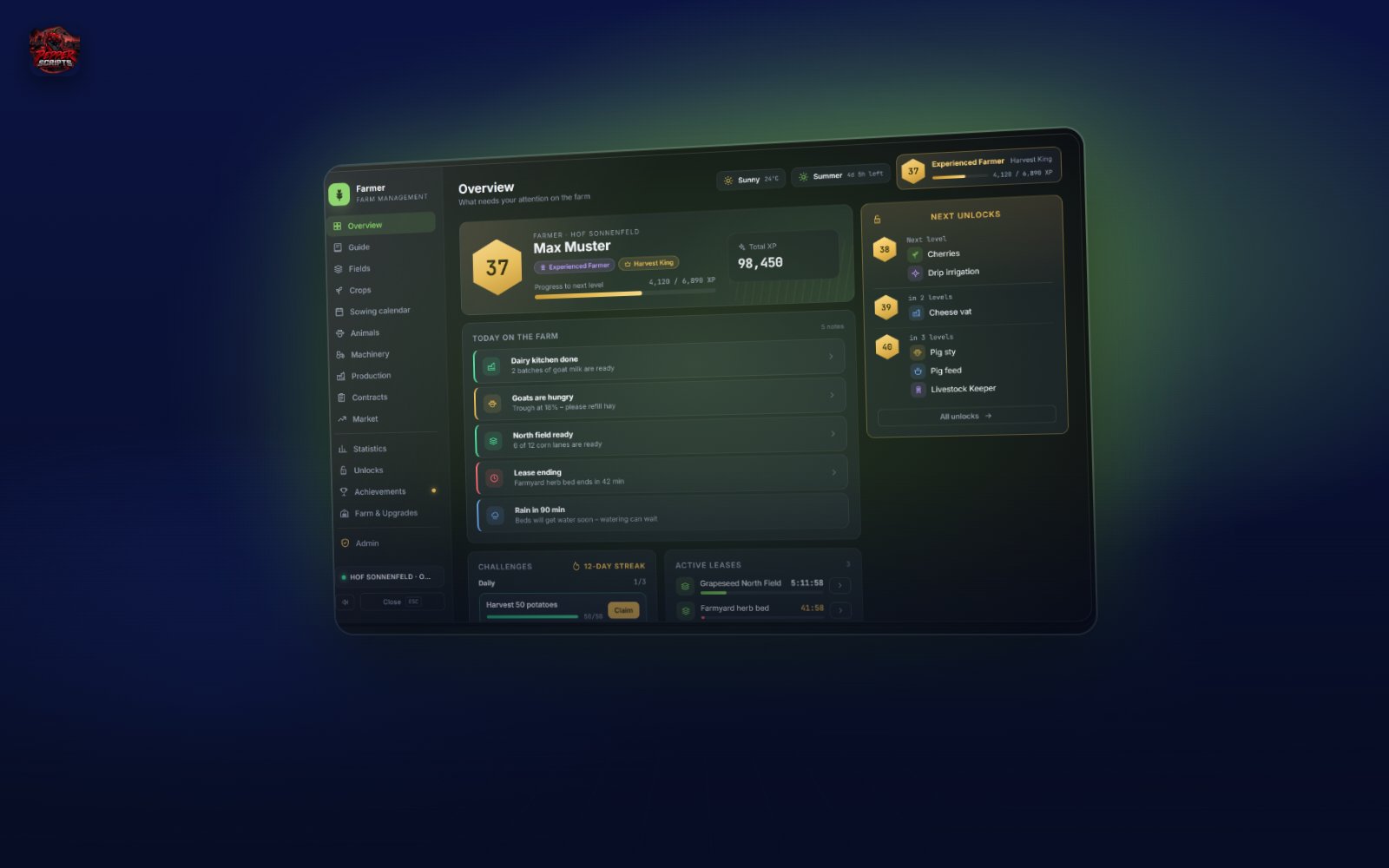
Farming career from level 1 to 100 – lease fields, machinery, livestock, processing chains, dynamic market, contracts and co-ops for ESX, QBCore and Qbox.
From the backyard to world champion. A boxing and fight career with its own combat system, a 12-chapter story, an underground and a PvP arena for ESX, QBCore and Qbox.
Build any restaurant right in game – cook with 6 minigames, boss tablet, levels 1–50 and your own delivery app. ESX, QBCore, Qbox.
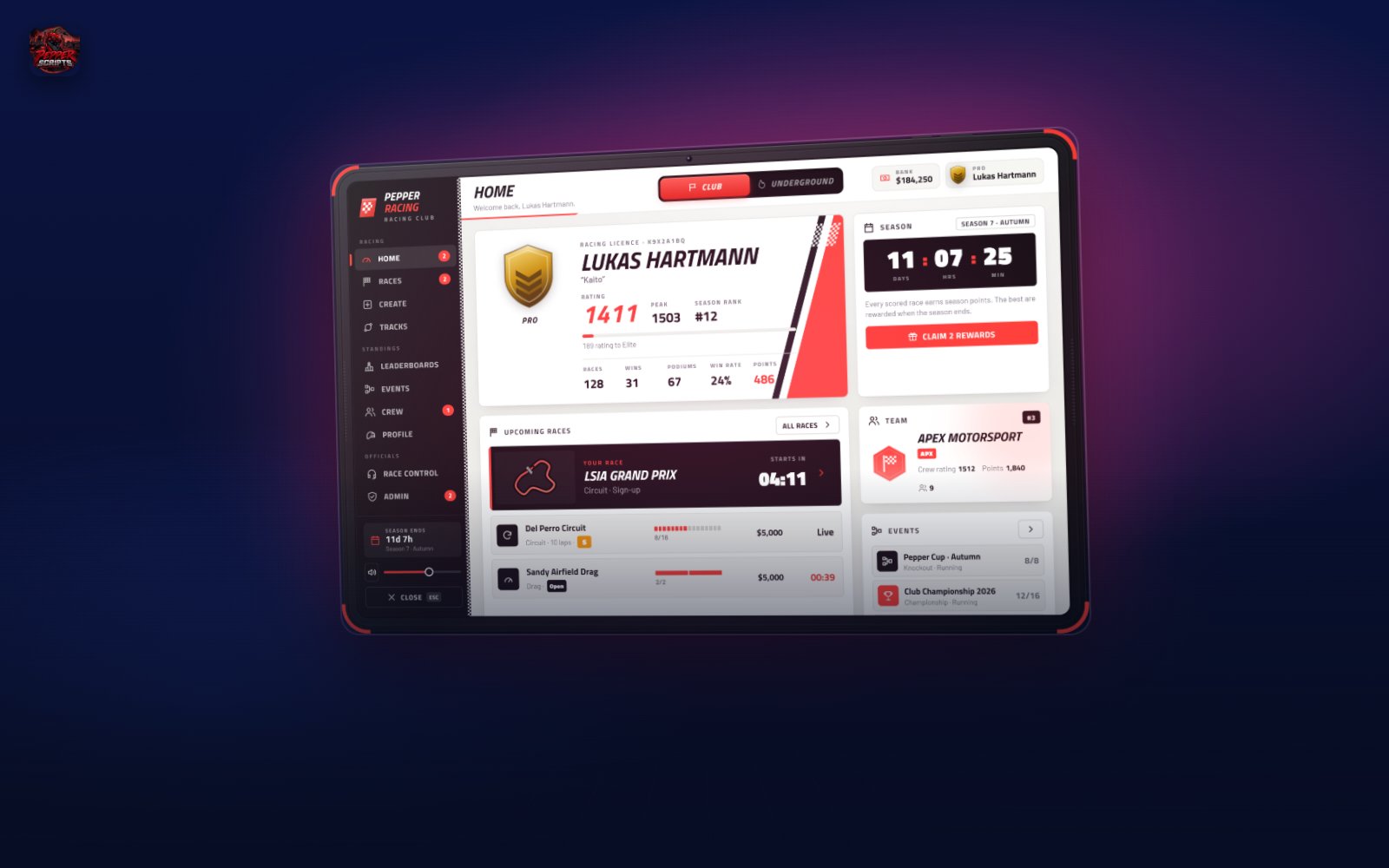
Five red lights, a race control – and the underground at night. Motorsport roleplay with starting grid, penalties, crews and seasons for ESX, QBCore and Qbox.
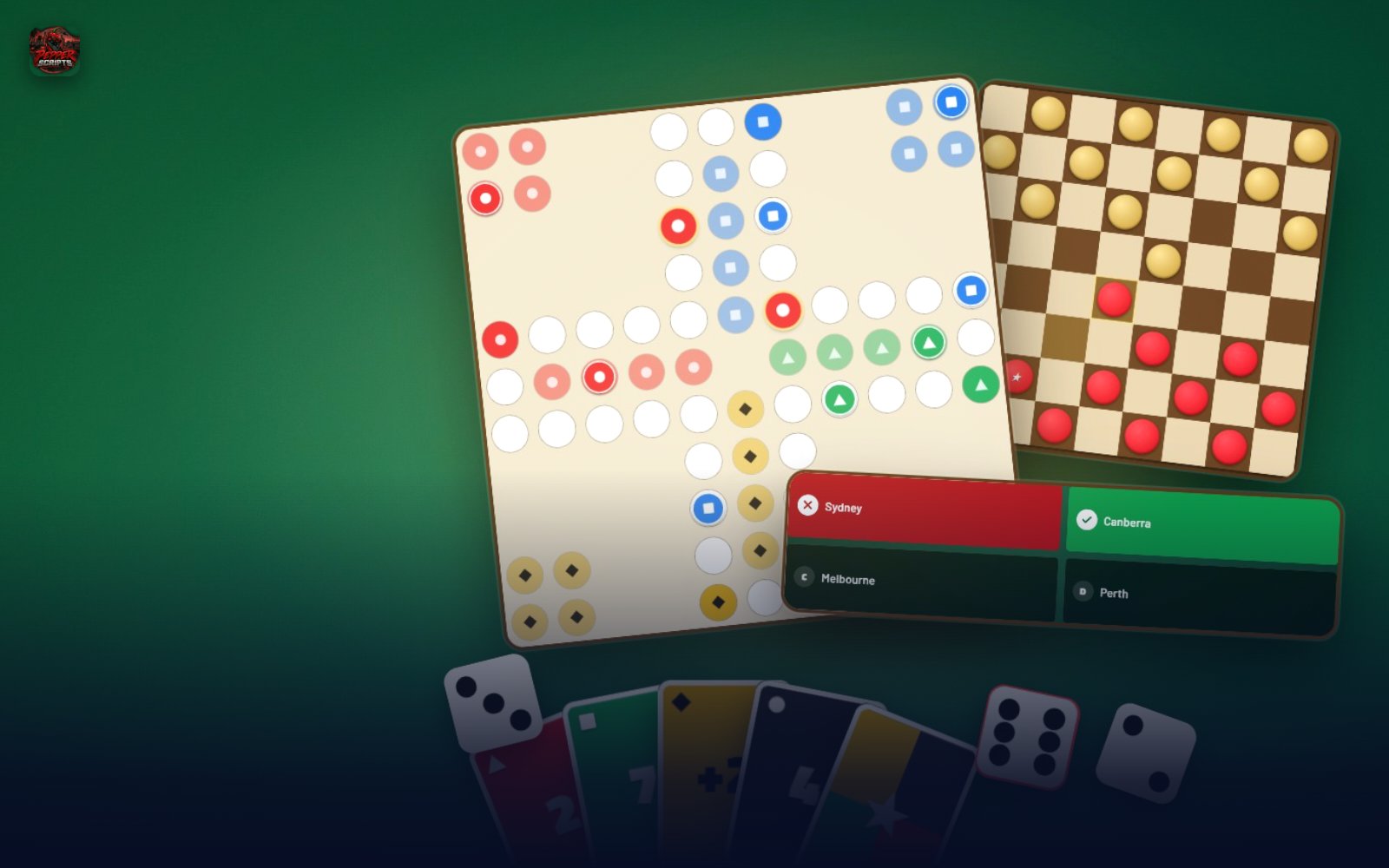
12 party and board games with lobbies and AI opponents at game tables in your world – board, cards, dice and party for ESX, QBCore and Qbox.
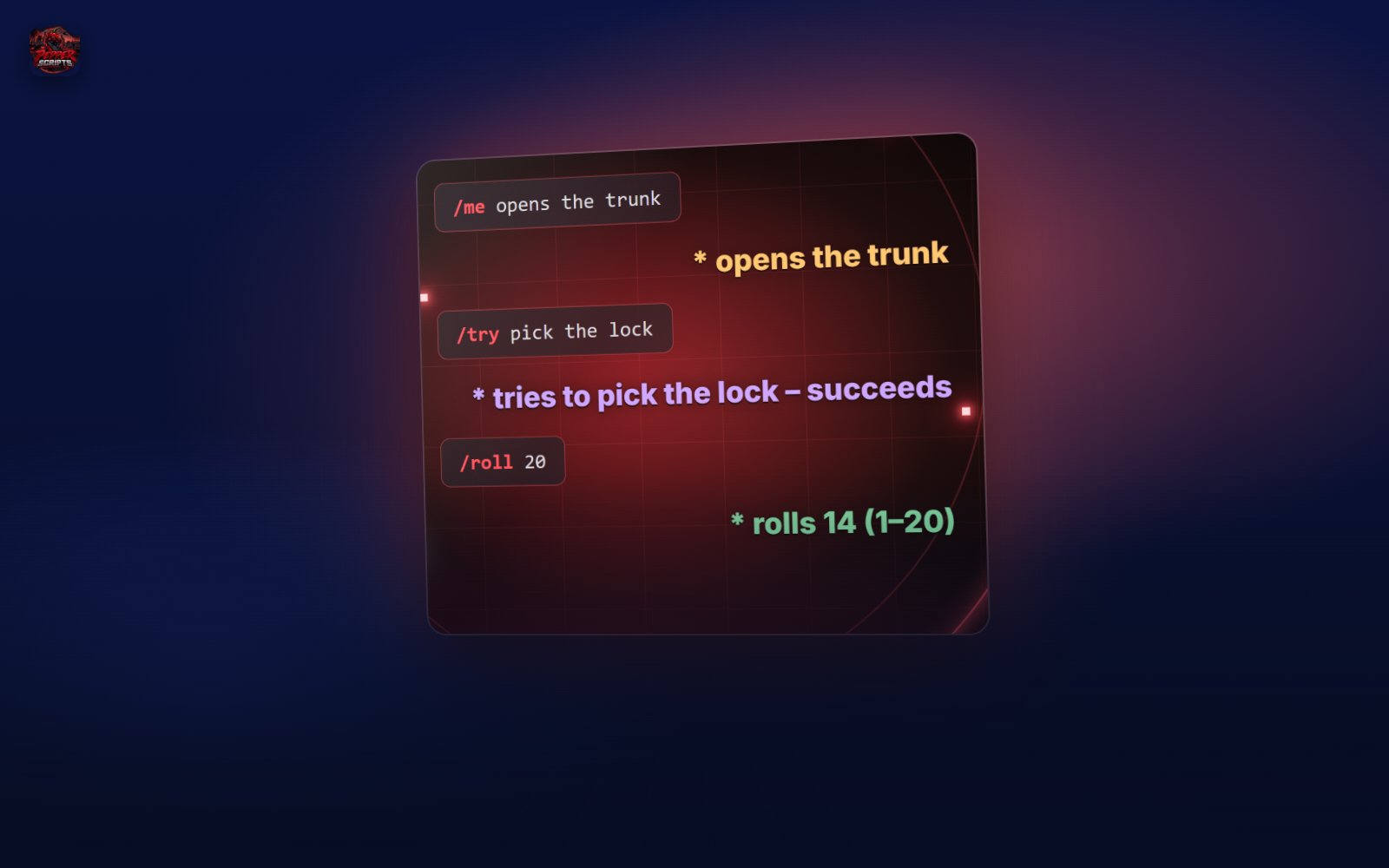
Free roleplay commands with modern speech bubbles – /me, /do, /try, /status, /whisper, /shout and more. Standalone.
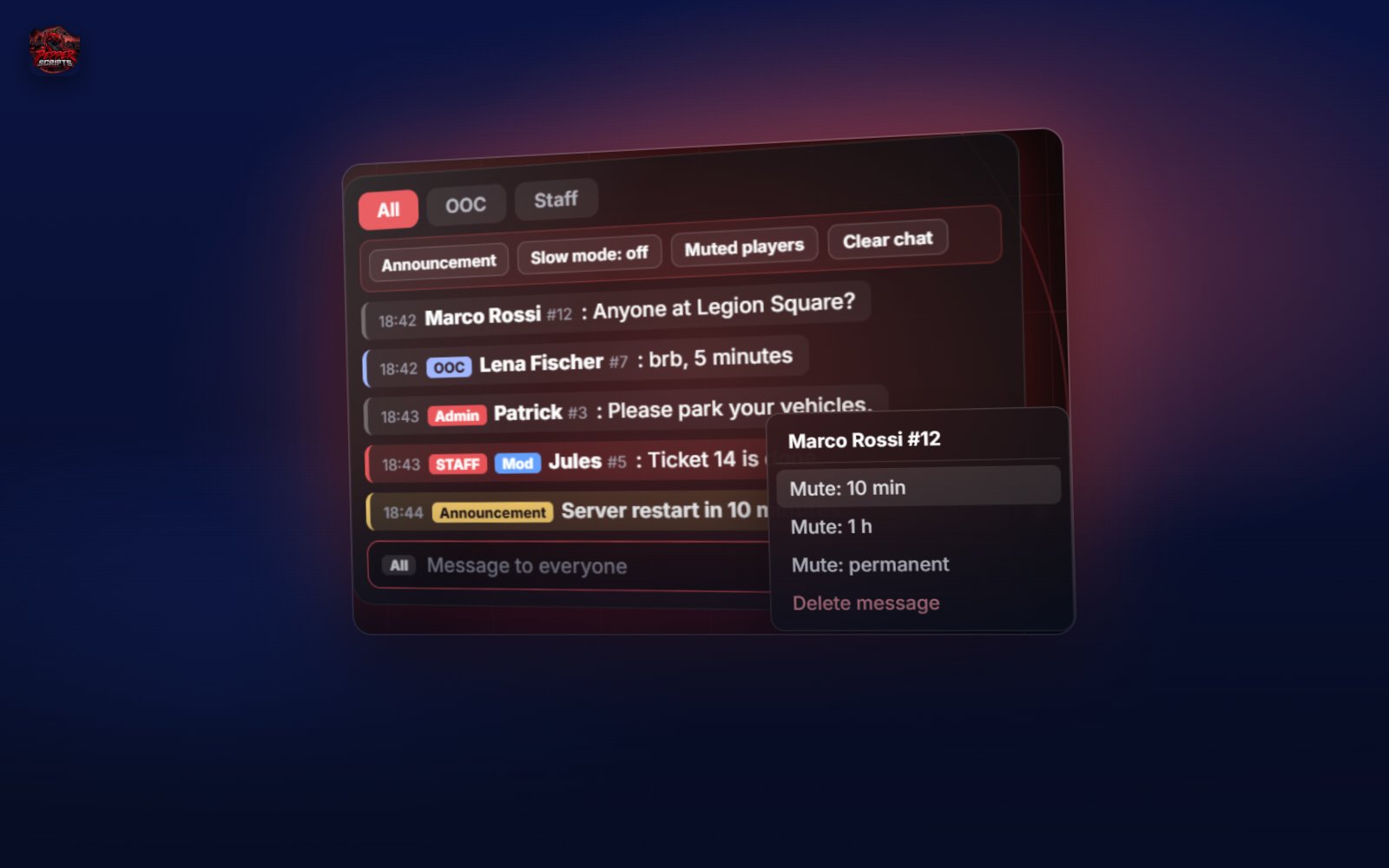
Free chat with tabs for All, OOC and Staff – with tools your staff uses right in the chat window.
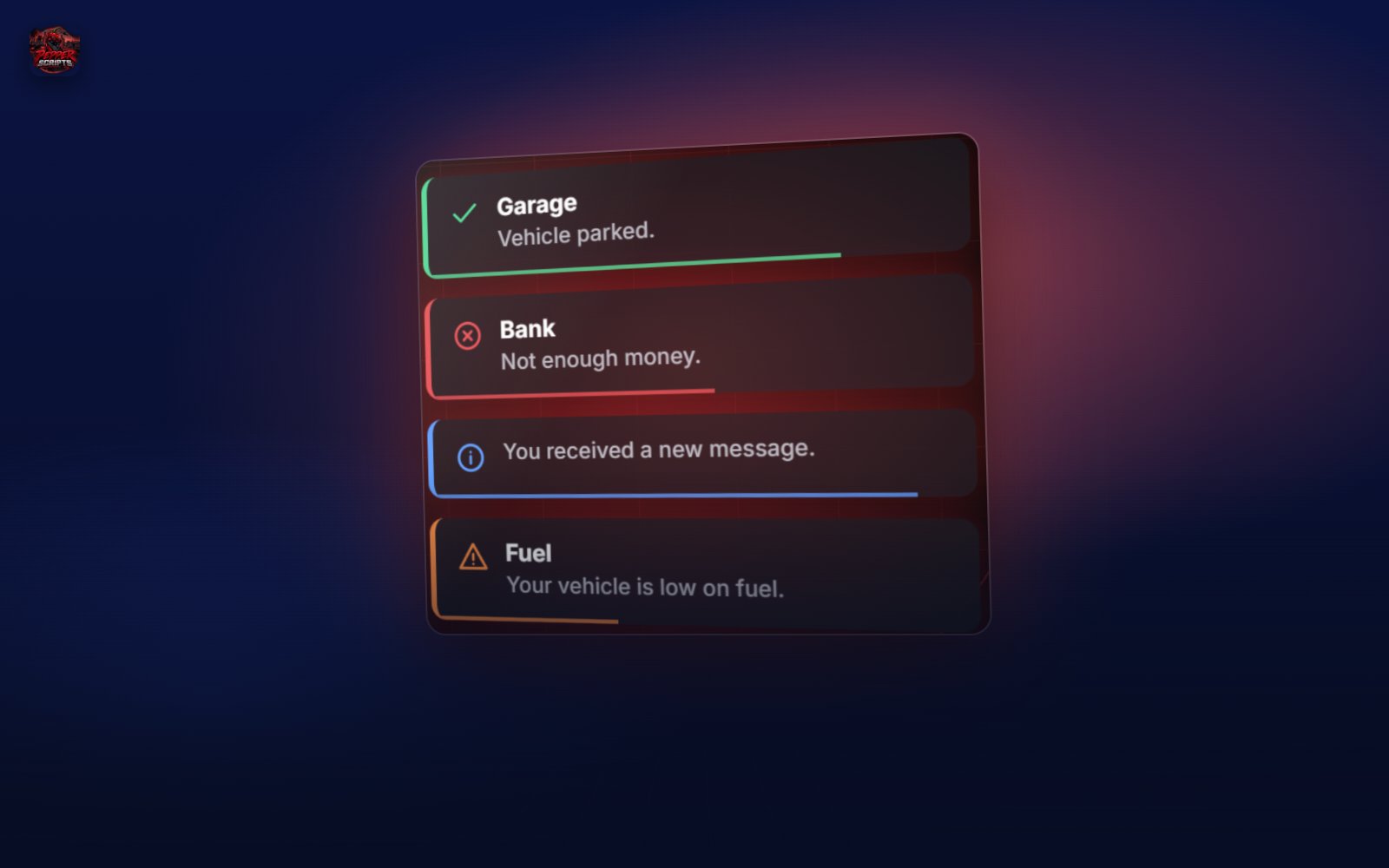
Free notifications in four types with title, timer bar and sound – standalone for every server.
Free loading screen with real loading progress, video, player welcome and info cards – standalone for every server.

Newspaper stands and a full newsroom for your journalists – free for ESX & QBCore.
After purchase, the script is in your Granted Assets. No license key.
Buy once, every new version lands in your portal automatically.
Installation, config, commands and FAQ for every script.
Every script runs permanently on the Pepper Scripts dev server.
After purchase the resource is granted to your Cfx.re account. You find it in the Cfx.re Portal (portal.cfx.re) under Assets → Granted Assets. All updates are downloaded there as well.
Each product states it. We develop for ESX Legacy, QBCore, Qbox and standalone. Multi-framework scripts detect the framework automatically through an open bridge.
Yes. Configuration (config/), locale files (locales/) and framework bridges (bridge/) are openly editable. The core of paid scripts is protected by the official Cfx.re Asset Escrow. Open-source products are fully readable.
Updates are announced on our Discord (#updates) and are available in the Cfx.re Portal. You can usually keep your config – check the notes in the changelog.
Use the /verify command on our Discord with your Tebex transaction ID (starts with tbx-, found in your receipt). You will then receive the customer role automatically.
Cart