Tool & UI

Pepper
Notify

Notifications for FiveM. 4 types. 1 export.

  • Standalone
  • 🔓 Open Source
  • Free

Free and fully open – config, client and server script plus the UI are readable and editable.
Types
4
Positions
8
Dependencies
0
Free
Features
Pepper NotifyVideo only loads after a click (youtube-nocookie)

Overview

Pepper Notify

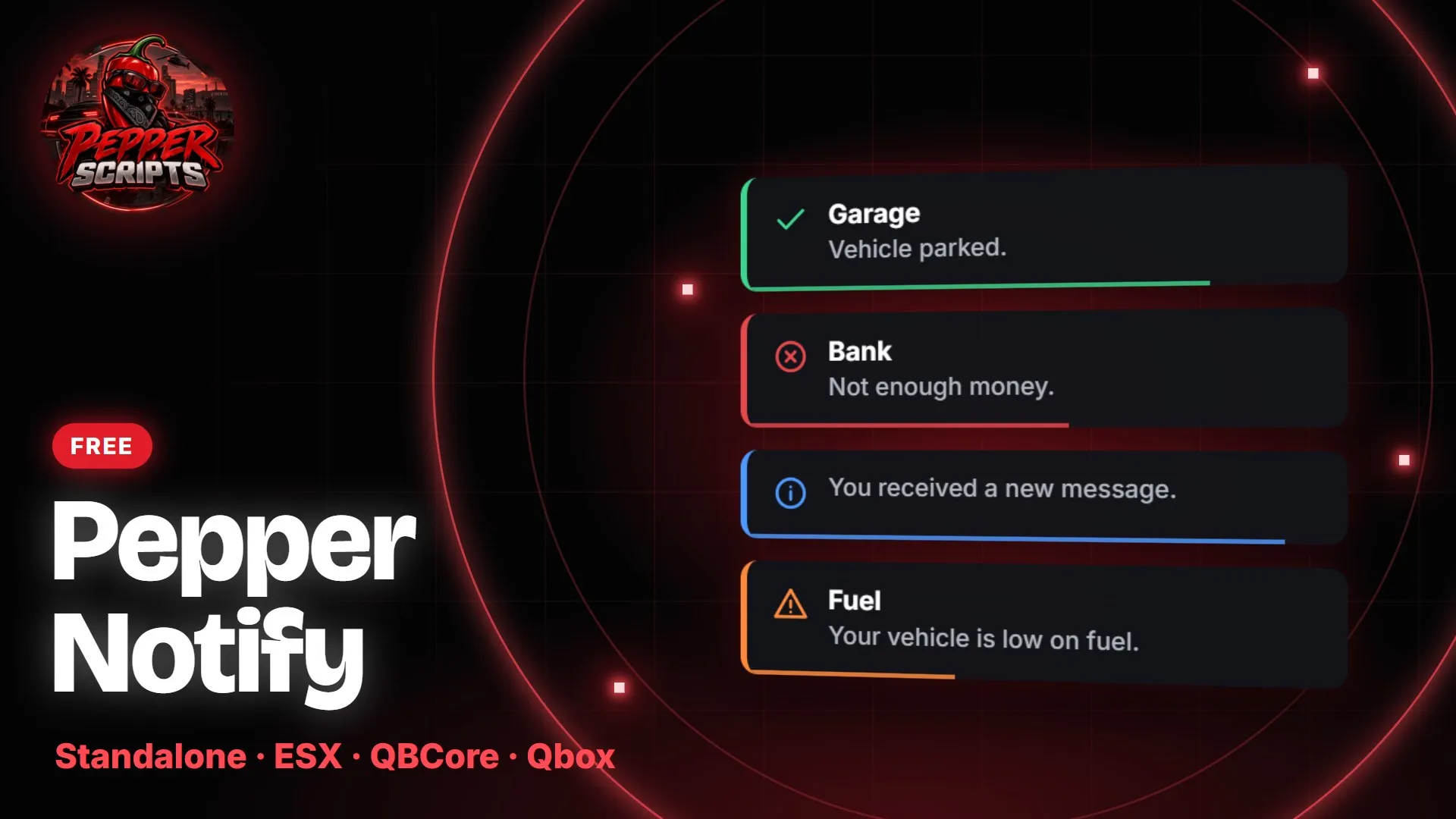
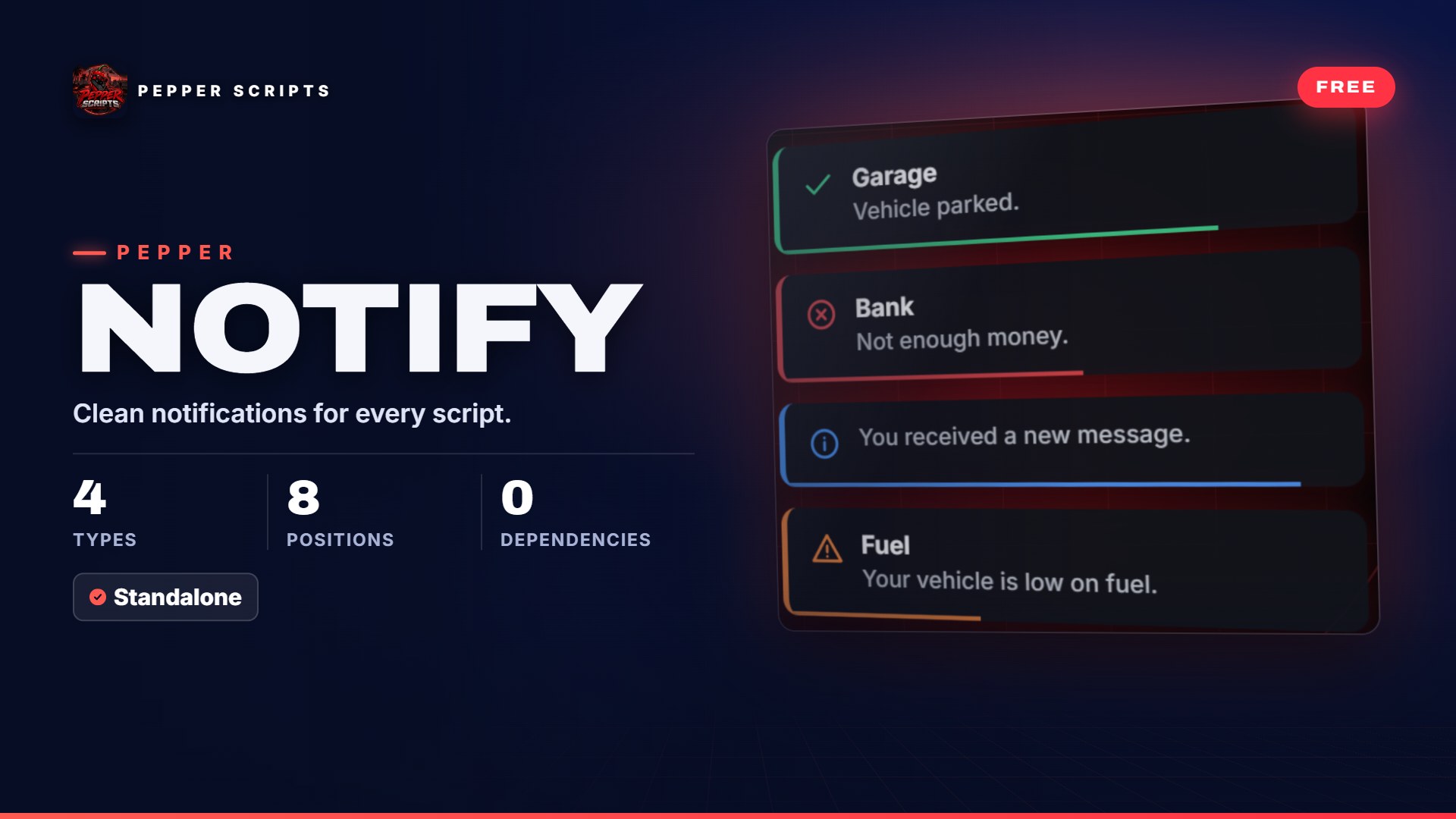
Often every script brings its own notification – a different color, a different position, sometimes with sound, sometimes without. With Pepper Notify every message on your server looks the same: success, error, info or warning, with title, timer bar and sound.

Your script calls the export, the message appears in one of 8 positions, the bar runs down and it is gone. If the same id comes in again, it replaces the message instead of stacking it.

Features

Features (14)

  • 4 typesSuccess, error, info and warning – each with its own color and icon, you set the colors in the config.
  • Title, timer bar, soundOptional bold title line, timer bar below the message and native GTA sounds – no audio files needed.
  • Exports for client and serverFrom the client directly, from the server to one player or with -1 to everyone – e.g. a restart warning.
  • Client eventpepper_notify:show via TriggerClientEvent, if your script prefers events.
  • Short or long formAs a table with title, message, type, duration and id – or short: Notify('Text', 'success', 5000).
  • Speaks ox_lib and QBCoreField names like description, type = 'inform', text, length or 'primary' work without changes.
  • Replace instead of stackA message with the same id replaces the previous one instead of lining up below it.
  • 8 positionsTop, center or bottom, left, right or middle – center-right by default, distance from the edge via Config.Offset.
  • Duration and count5 seconds by default, 1 to 30 seconds allowed, at most 5 messages visible at once (config).
  • Reroute framework notificationsESX.ShowNotification or QBCore.Functions.Notify call Pepper Notify with one line – instructions included.
  • Test command/notifytest shows all 4 types to try them out, then you turn it off in the config.
  • No background loopNo dependencies and no loop running along in the background.
  • Everything openConfig, client and server script plus the UI are yours to read and adjust.
  • Tested on our dev serverPermanently tested on the Pepper Scripts dev server.
Compatibility

Compatibility (6)

Frameworks
Standalone – works with ESX Legacy, QBCore, Qbox or no framework
Dependencies
None
Database
None needed
Server
OneSync not required
Languages
Message texts come from your scripts – instructions and config comments in English and German
Open files
All – config, client, server, UI
Goes well with
Pepper NotifyFree