Tool & UI

Pepper
Chat

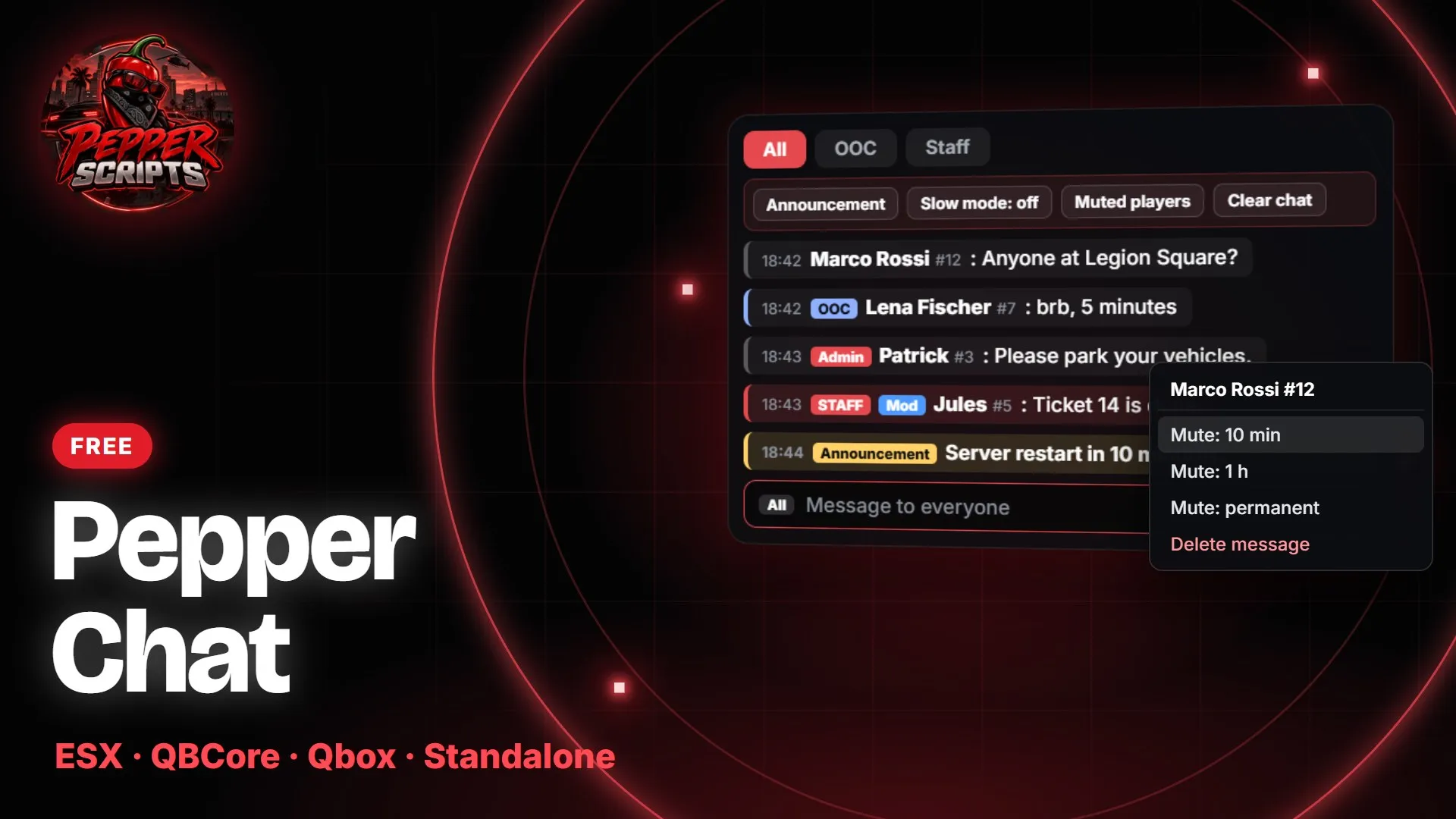
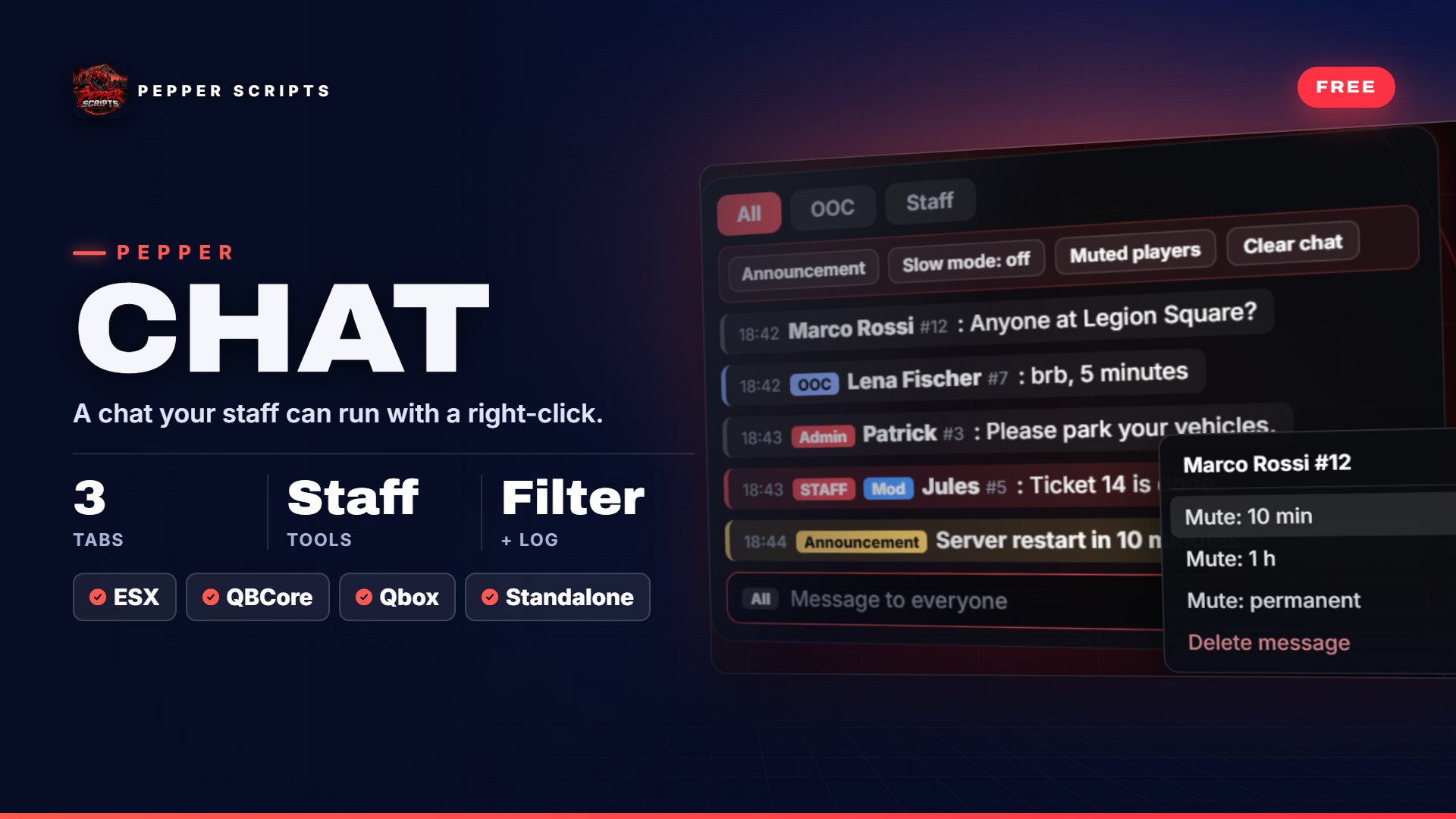
Chat for FiveM. 3 tabs. Tools for your staff.

  • ESX
  • QBCore
  • Qbox
  • 🔓 Open Source
  • Free

Free and fully open – config, client, server, locales and SQL file are readable and editable.
Tabs
3
Commands
7
Mute durations
4
Free
Features
Pepper ChatVideo only loads after a click (youtube-nocookie)
Overview

Pepper Chat

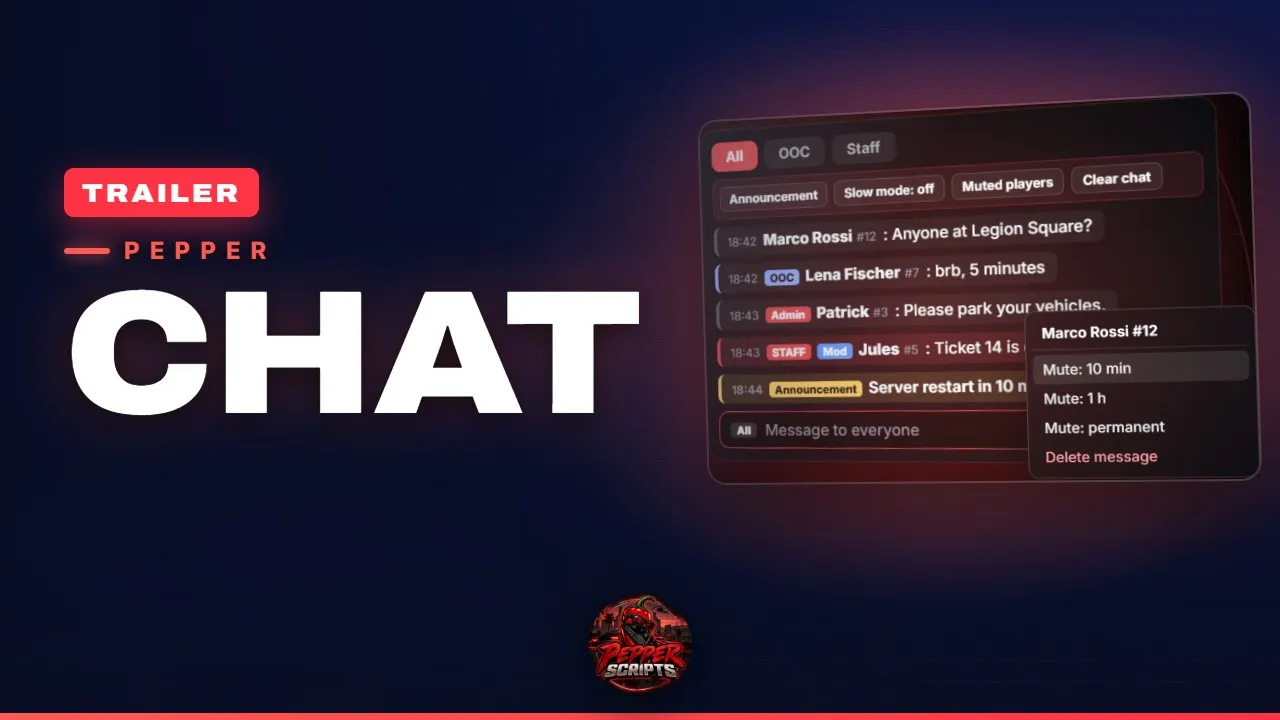
The default chat has one channel and no tools for your staff. With Pepper Chat your players switch between All, OOC and Staff, and your staff mutes with a right-click, deletes messages and sends announcements right in the chat window – without typing commands.

Write a message, spam protection and word filter check it, staff steps in with a click – mutes go into the database, survive a restart and show up in the daily log.

Features

Features (16)

  • 3 tabs: All, OOC, StaffOnly your staff sees the staff tab. You switch every channel on or off in the config.
  • Right-click moderationRight-click a message: mute the player for 10 min, 1 h, 24 h or permanently – or delete the message.
  • Staff buttonsAnnouncement to everyone, slow mode (5, 10, 30 or 60 seconds), list of muted players, clear chat.
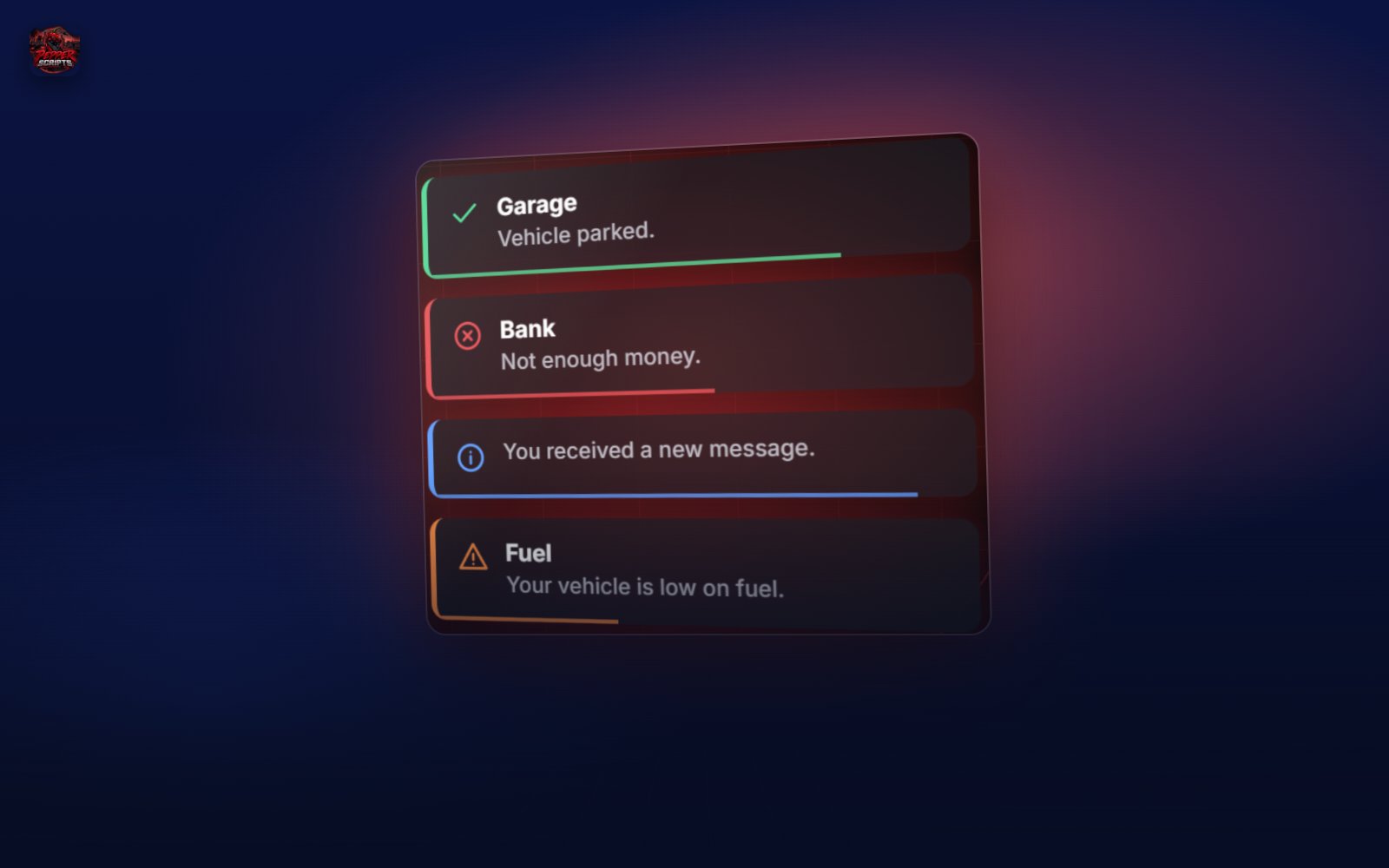
  • Announcement bannerAnnouncements appear in chat and for 8 seconds as a banner at the top center (default).
  • Staff badgeAdmin or Mod in front of the name – you set roles, colors and labels in the config.
  • Spam protection1 second cooldown, same message again after 10 seconds, 6 in 10 seconds = 60 seconds muted. Staff excluded.
  • Word filterReplaces words from your list with asterisks or drops the message – or stays off.
  • Mutes that stickThey are stored in the database and survive a restart. The script creates the table on first start.
  • LogDaily file logs/chat-YYYY-MM-DD.log in the resource folder and, if you want, a Discord webhook as well.
  • Comfortable typingOpen with T, command suggestions, input history with arrow keys, character counter – up to 200 characters per message (default).
  • A window for your serverPosition, size, accent color, time and server ID adjustable. The chat fades out after 12 seconds (0 = never).
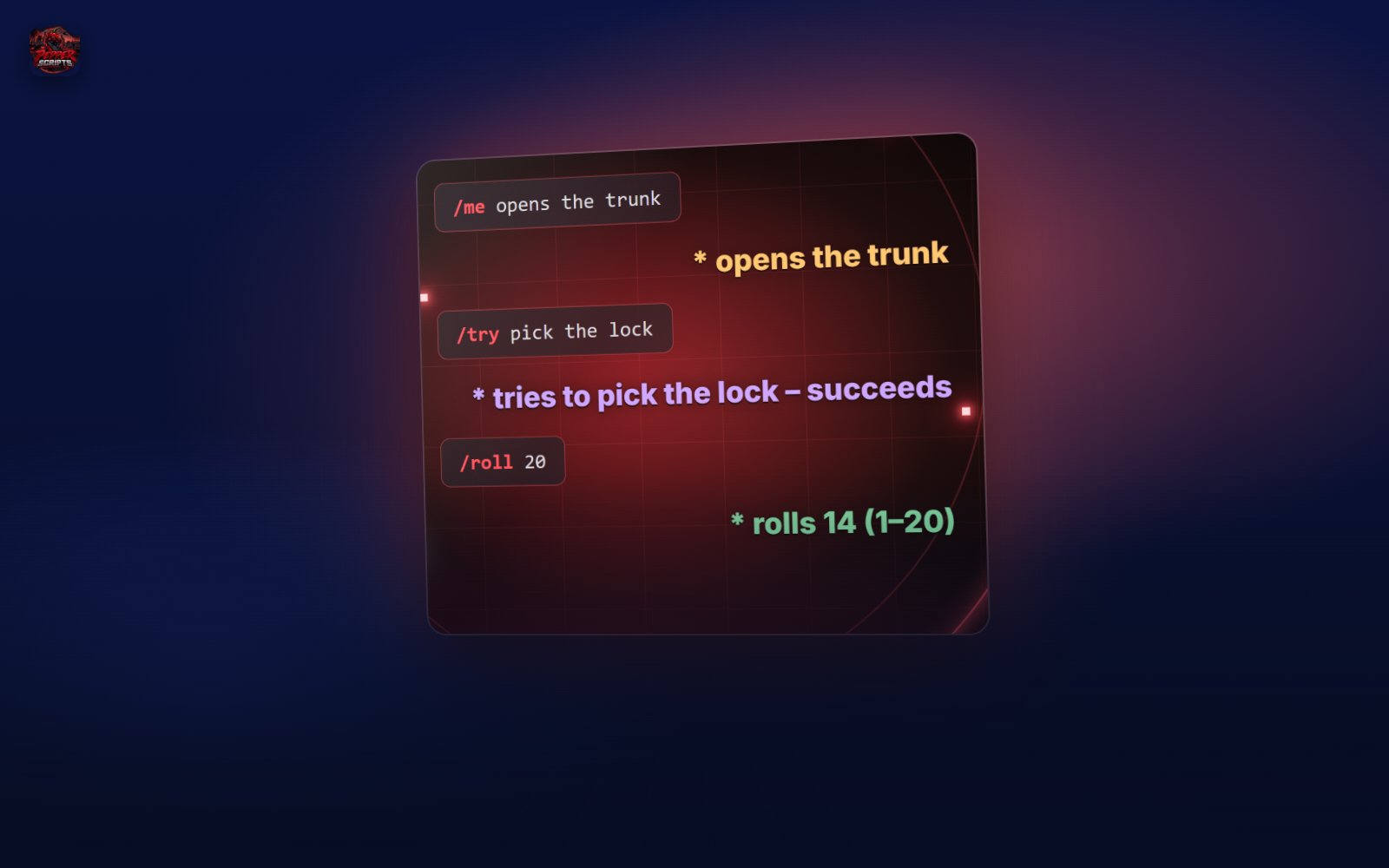
  • 7 commands with your names/ooc, /team, /announce, /chatclear, /chatmute, /chatunmute, /chatslow – renameable, staff commands also from the server console.
  • Staff rights from your frameworkESX groups, QBCore/Qbox permissions or, without a framework, ACE (pepperchat.admin, pepperchat.mod).
  • Replaces the default chatchat:addMessage, chat:addSuggestion, templates and exports.chat from other scripts keep working.
  • Everything openConfig, server config, client, server, locales and SQL file are yours to read and adjust.
  • Tested on our dev serverPermanently tested on the Pepper Scripts dev server.
Compatibility

Compatibility (7)

Frameworks
ESX Legacy, QBCore, Qbox or no framework (staff rights via ACE then)
Dependencies
oxmysql
Database
1 table for mutes, created on first start (SQL file included)
Server
OneSync not required
Languages
German, English – locales open
Setup
Remove the default chat (ensure chat) from server.cfg, start pepper_chat after oxmysql
Open files
All – config, client, server, locales, SQL
Goes well with
Pepper ChatFree